

This isn't a seminar about AI strategy.
It's about you getting good at Claude.
Most AI conversations are aimed at organizations — rollout plans, governance frameworks, department-wide adoption. This seminar is different. It's built for the person in the room: the business owner who wants to clear their inbox faster, the executive who wants to walk into meetings better prepared, the leader who wants to think sharper and work lighter.
You'll leave knowing how to use Claude yourself — not as a concept, but as a daily tool you're actually comfortable with.
You run things. Now learn the tool
that runs alongside you.
Founders & Business Owners
You wear too many hats. Claude becomes the one that handles the drafting, summarizing, and planning — so you don't have to.
Corporate Executives
Directors, VPs, and department heads who want to move faster, think clearer, and spend less time on work that shouldn't need you.
Inbox-Overwhelmed Leaders
If your week starts with 200 unread emails and ends with the same ones still open — Claude can change that, starting this seminar.
AI-Curious Professionals
You know AI is worth learning. You just haven't had a practical, unhyped starting point — until now.
Practical skills you'll use
the very next morning.
Use Claude to triage, summarize, and draft responses to your most complex emails
Walk into any meeting better prepared — briefs, anticipated questions, recommended approach
Set up Claude with your context so it works the way you work, not generically
Use Claude as a thinking partner — to stress-test decisions, surface blind spots, and pressure-check plans
Plan your week, protect your deep work time, and stop overcommitting — in plain language
Know exactly which Claude model to use, when to use it, and how to get the best output
Real use cases. Not demos.
Things you'll do on Monday.
Inbox Triage & Drafting
Forward complex threads to Claude. Get a summary, the key decisions required, and a draft response — in your voice.
Meeting Preparation
Drop in attendee bios, prior emails, and the agenda. Claude hands you briefing notes and the questions worth asking.
Long-Document Synthesis
Upload contracts, reports, or RFPs. Get a summary, the sections that need your attention, and a list of decisions required.
Strategic Thinking Partner
Use Claude to argue the other side of a decision, stress-test assumptions, or surface what you might be missing.
Weekly Planning
Tell Claude your week in plain language. It builds a calendar that protects your deep work and flags overcommitment before it happens.
Communications & Updates
Board memos, investor updates, team announcements — Claude drafts them in your tone. You review, edit, and send.
8 modules. One full day.
All hands-on, all practical.
10:30 AM – 7:30 PM · 3rd Floor, SM Center Antipolo Downtown
What Claude Actually Is — and What You Can Do With It Today
Cut through the noise. What Claude is in plain terms, how it's different from ChatGPT and Gemini, the four ways you can use it (Chat, Code, Design, Co-work), and where it genuinely saves time for someone at your level.
Setting Up Claude the Right Way — For You
Account setup, choosing the right plan, and connecting the tools you already use — Calendar, Gmail or Outlook, Notion, Chrome. Then configuring Claude with your context so it works like your assistant, not a stranger's.
Staying Smart: Privacy, Data & What Not to Upload
Before you get into the habit of using Claude daily, you need to know the rules. What's safe to share, what isn't, how to turn off model training, and how to use Claude confidently without putting your business or clients at risk.
Where Claude Saves You the Most Time
The four personal workflows where Claude pays back fastest: communications and drafting, meeting and client prep, synthesizing long documents, and knowledge work that normally eats your evenings. We'll map these to your actual role.
Your Personal Claude Workflow — Hands On
The core of the day. Live, practical walkthroughs: inbox triage, meeting prep, long-document synthesis, board and stakeholder communications, using Claude as a thinking partner, and planning your week. You'll do each one yourself.
Getting Claude to Work Your Way
How to use Projects to give Claude memory of your business, your voice, your goals, and your context — so every conversation starts where the last one left off. One setup, endless return.
Knowing When It's Working (and When It Isn't)
How to tell whether Claude is actually saving you time or just producing output. The habits that separate people who get real value from AI from those who tried it once and gave up. Includes your 30-day personal adoption plan.
What's Coming — and Why Starting Now Matters
A clear-eyed look at where AI is heading, what that means for people in your position, and why building the habit now is worth more than waiting for the "right" version. You leave with a personal action plan for the next 30 days.

Angel Ligeralde
Founder & Owner — My Destination Tours and Travel & Liger Media Ph
Angel isn't an AI researcher or a tech consultant — she's a business owner who uses Claude every day. As the founder of both a travel company and a media brand, she learned these tools the same way you will: by figuring out what actually works when you're the one doing the work. She teaches from that experience, not from slides. Expect straight talk, real examples, and practical takeaways you'll actually use.
Everything you need
to know
-
Date Saturday, June 13, 2026
-
Time 10:30 AM – 7:30 PM
-
Venue My Destination Tours and Travel
3rd Floor, SM Center Antipolo Downtown -
Format In-person, hands-on — bring your laptop
- Full-day seminar (10:30 AM – 7:30 PM)
- 8 hands-on training modules
- Live exercises you complete yourself
- Your personal 30-day Claude action plan
- Training materials & reference guide
- Live Q&A with the facilitator
- Snacks & meals
- Free-flowing coffee ☕
- 3-month access to My Destination University learning portal
To maximize learning and keep this a truly hands-on training, we're capping the room at 10 participants. Once seats are filled, registration closes — book early to lock in your spot.
Payment details will be sent after registration.
Your learning doesn't stop when the seminar ends.
Every attendee gets 3 months of access to My Destination University — an online learning portal where you can revisit lessons, go deeper on topics covered during the seminar, and continue building your Claude AI skills at your own pace.
Think of it as your post-seminar support system. The room gives you the foundation; the portal keeps you growing.
access
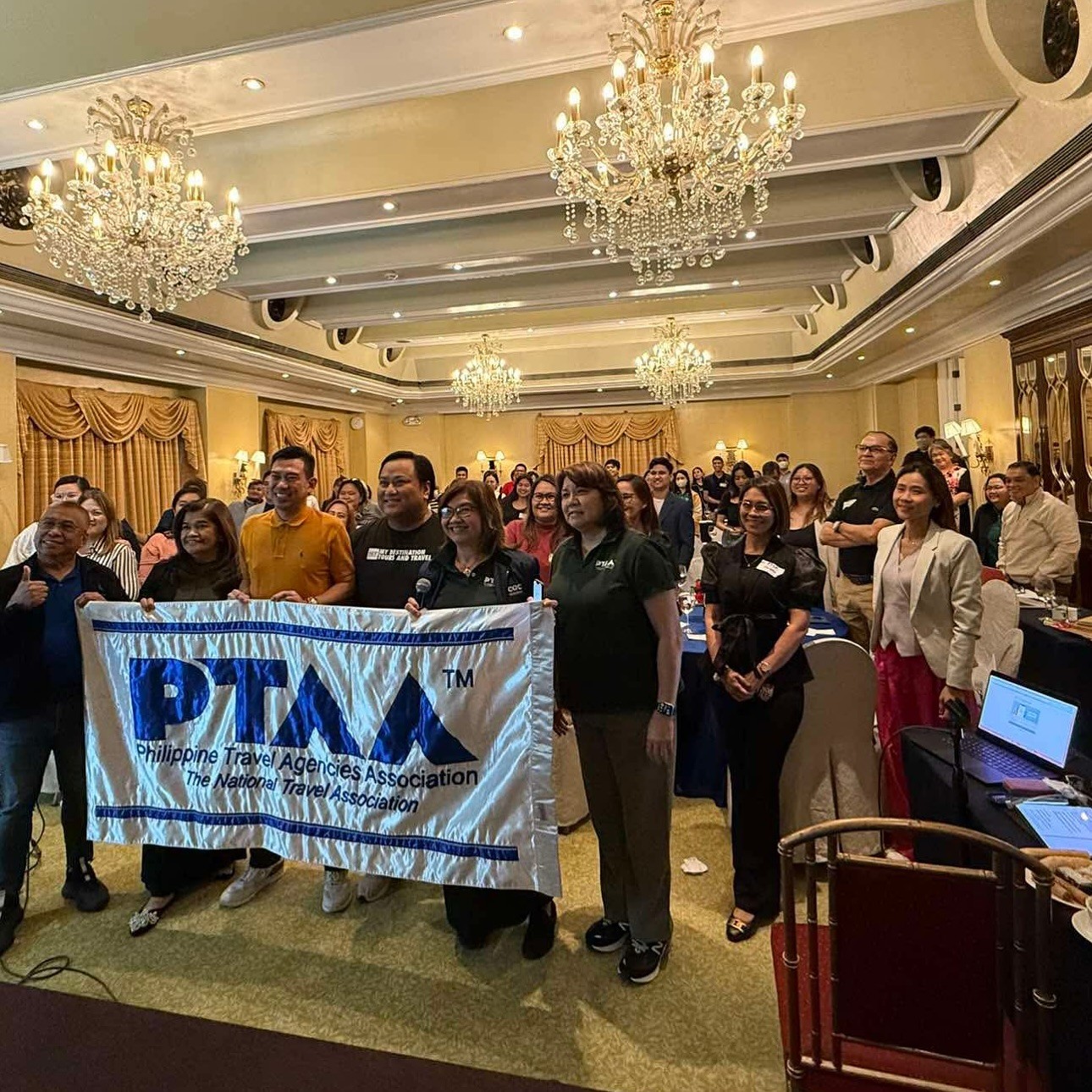
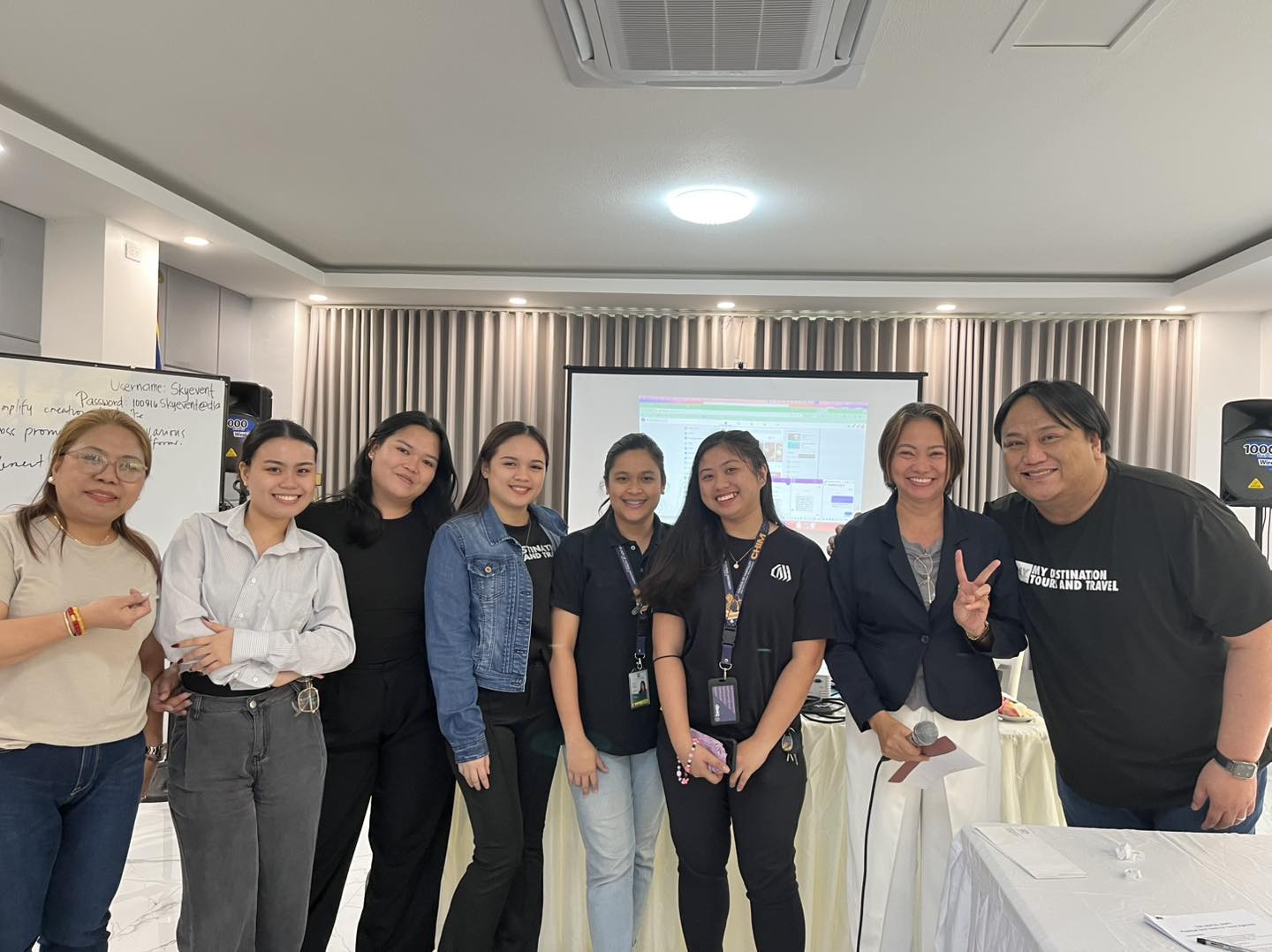
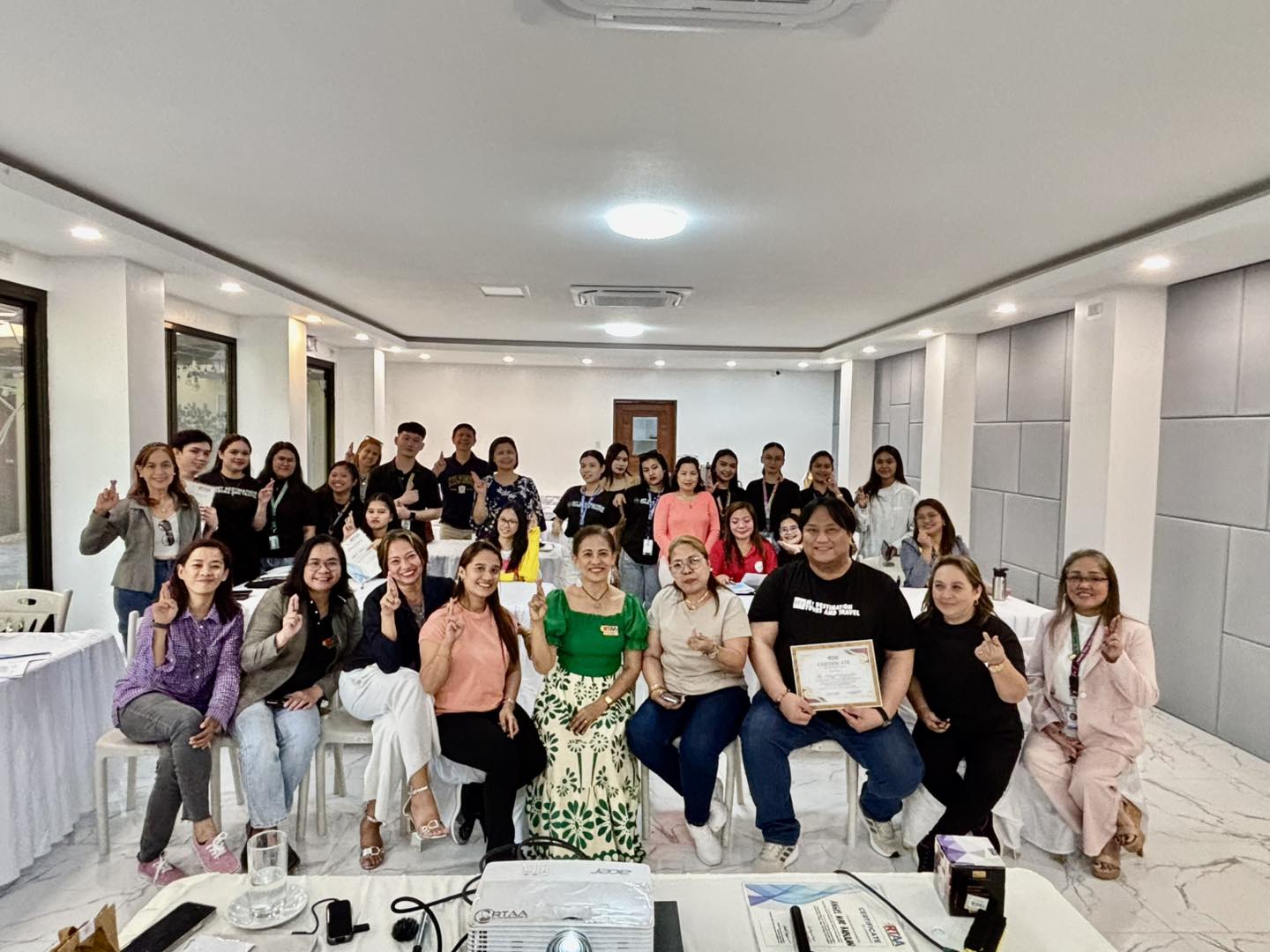
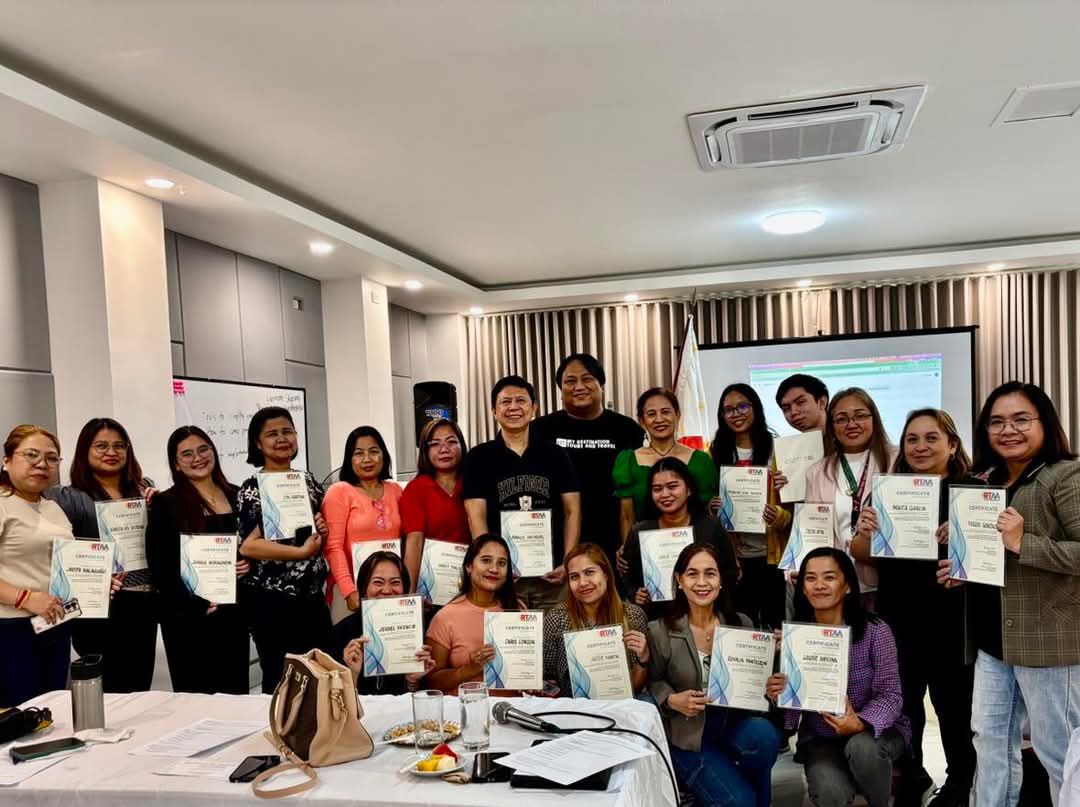
Seminars we've run.
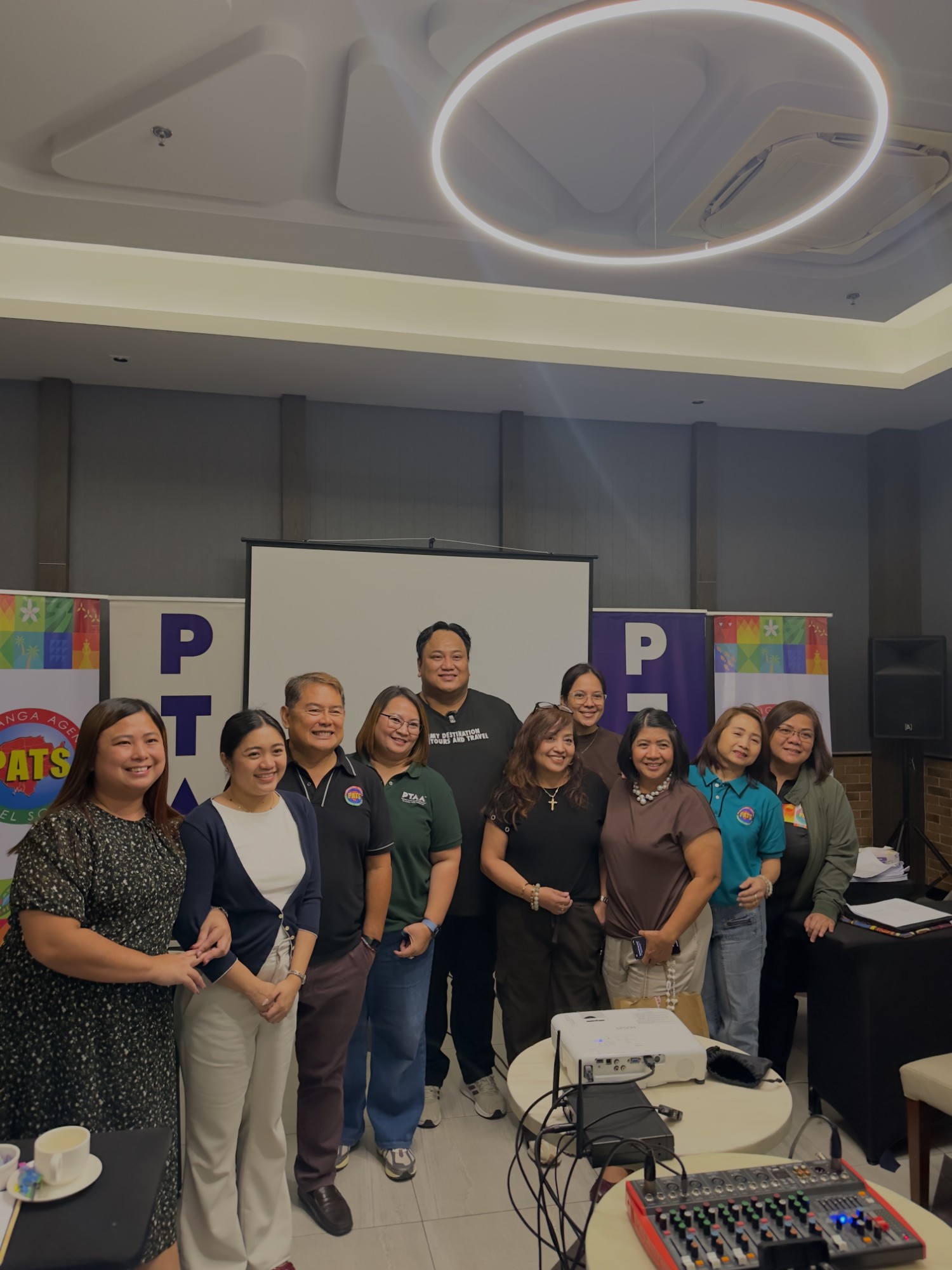
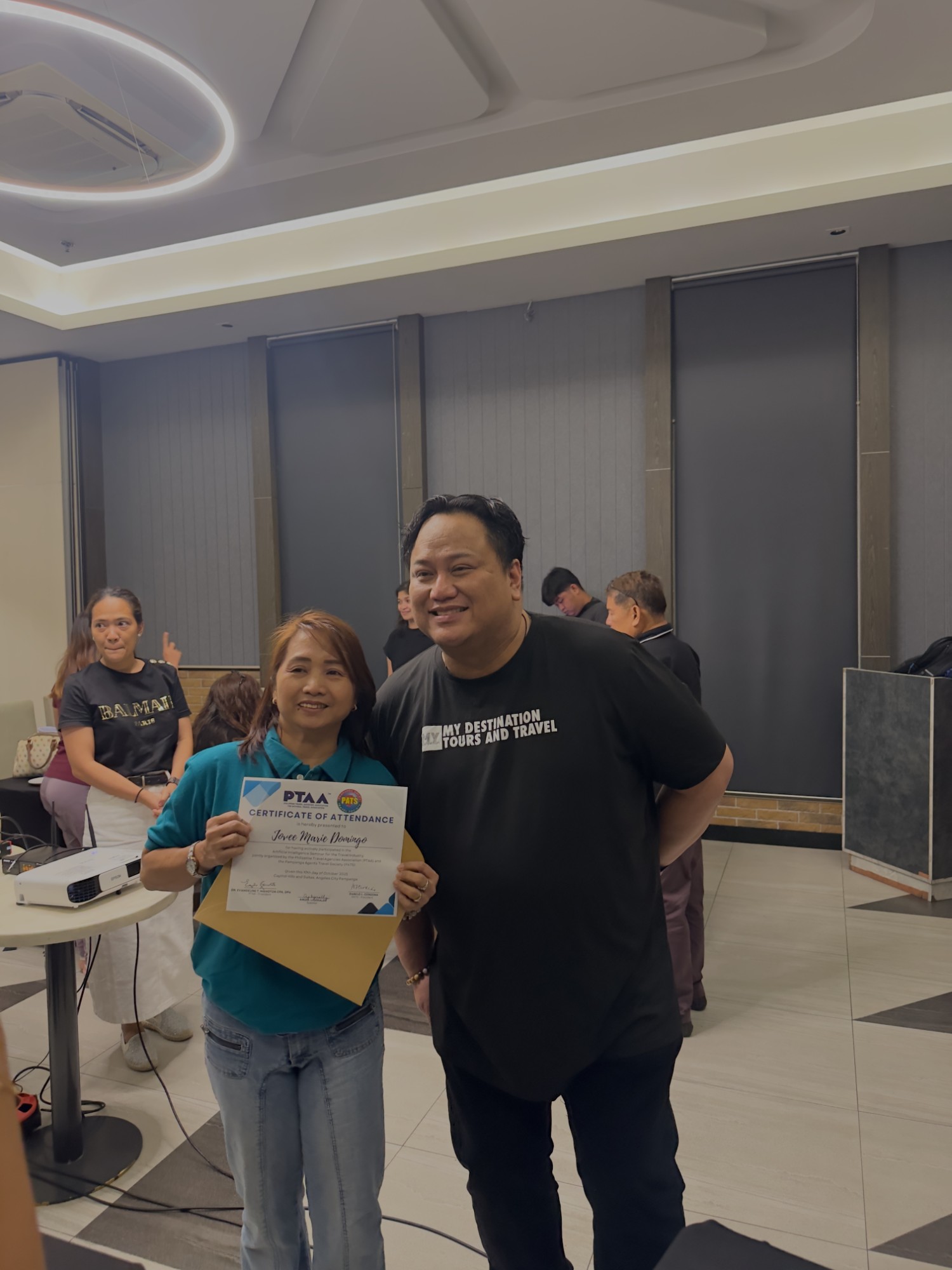
Rooms that were fully engaged.
Angel has facilitated AI training for business owners and professionals. Here's what the room looks like when people are actually learning.
Real feedback.
From real attendees.
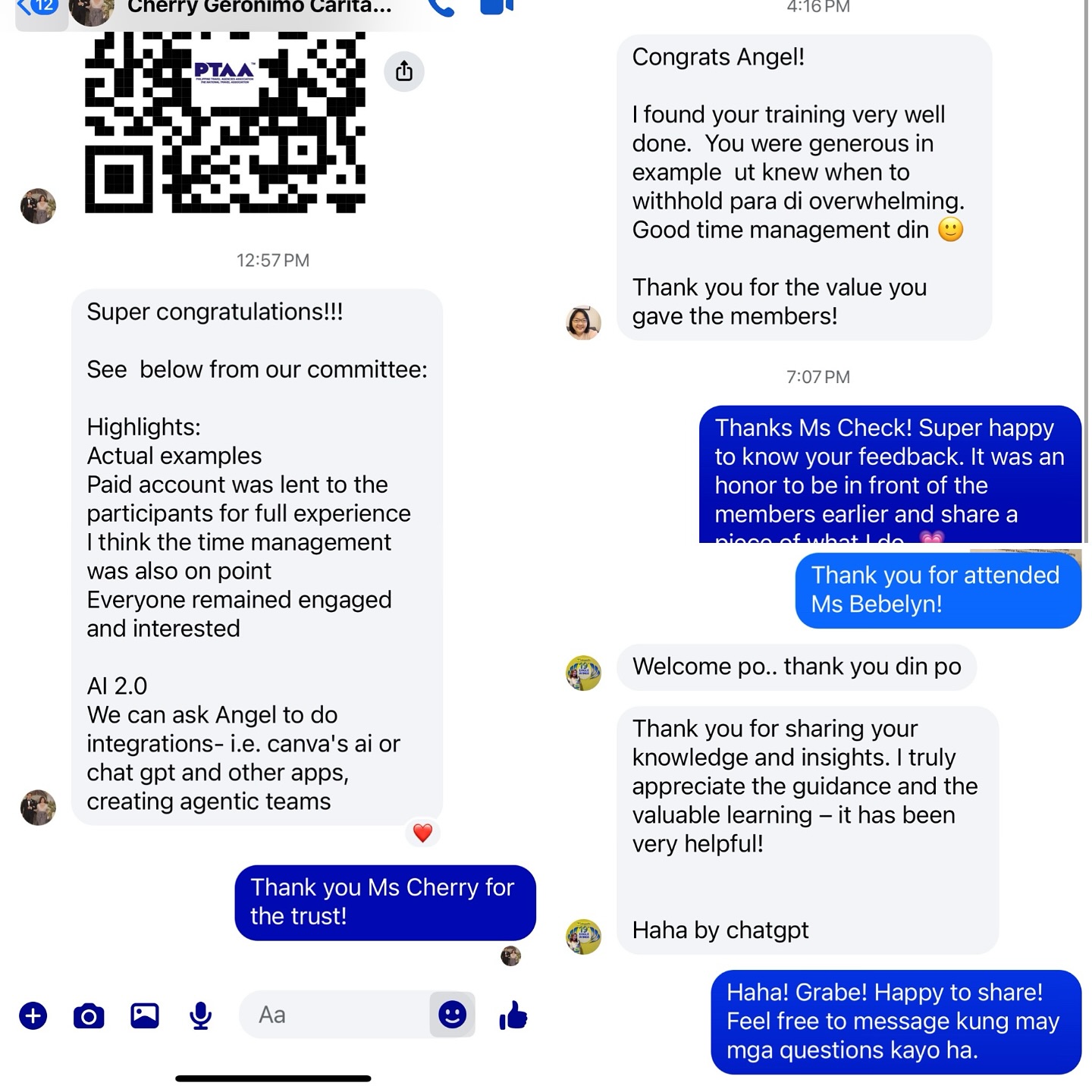
"I found your training very well done. You were generous in examples but knew when to withhold para di overwhelming. Good time management din."
— Seminar Participant
"Thank you for sharing your knowledge and insights. I truly appreciate the guidance and the valuable learning — it has been very helpful!"
— Seminar Participant
"Thank you for the value you gave the members!"
— Seminar Participant
- Actual live examples — not just theory
- Participants were given access to a paid account for the full experience
- Everyone remained engaged and interested throughout
Ready to get hands-on?
Fill in the form below and we'll confirm your registration by email. Payment details will be included in your confirmation.
You're registered!
Thanks for signing up. Check your inbox — we'll send your confirmation and payment details shortly.